The easiest way to add more entries to your timeline is to copy and paste an existing entry. We recommend copying the second-to-last entry any time you add a new entry to the bottom to ensure entries appear on alternate sides.
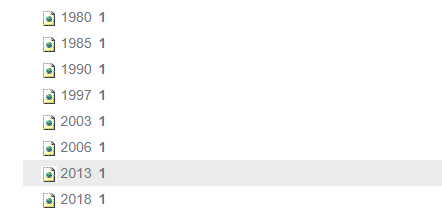
For instance, to add a new entry at the bottom of the timeline, copy and paste the 2013 entry (highlighted in grey) and paste it BELOW the 2018 entry:
After pasting the new content item, double-click to edit it. Enter the year in the title section at the top, and the content in the main HTML editor. Click save and you'll see your new timeline entry at the bottom of the scroller.